



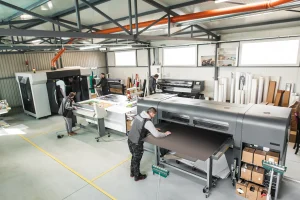
 Optimize your sales with simplified customer tracking.
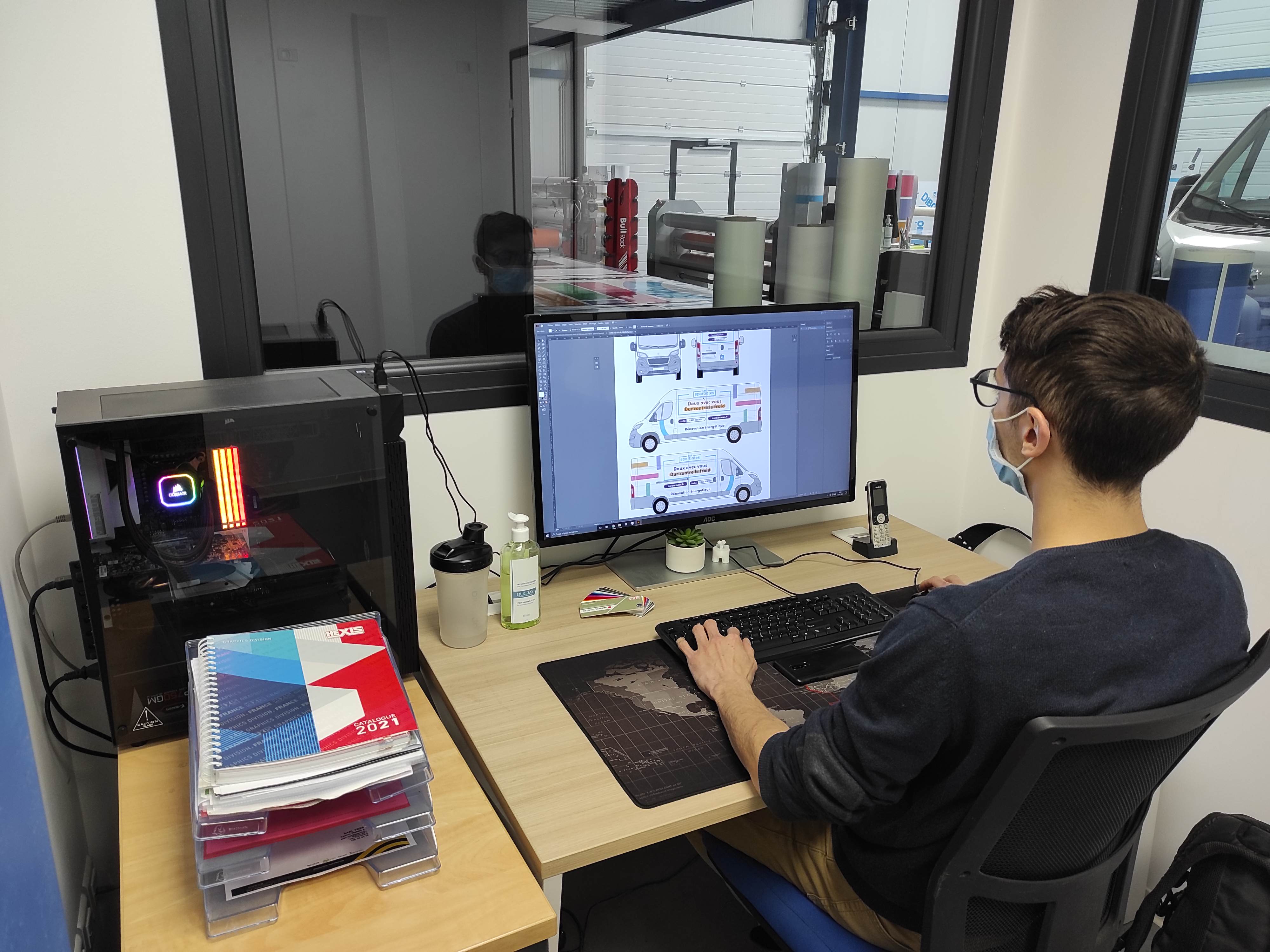 Centralize creation and validation to save time.
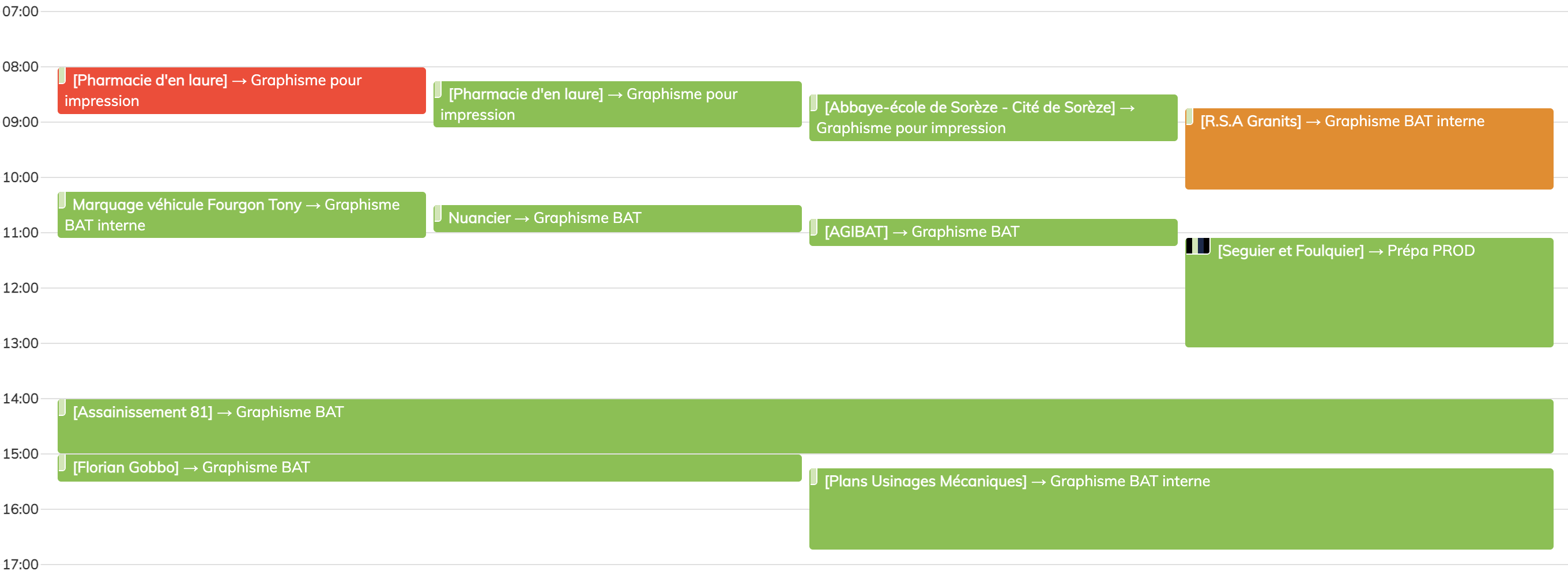 Plan teams and resources effortlessly.
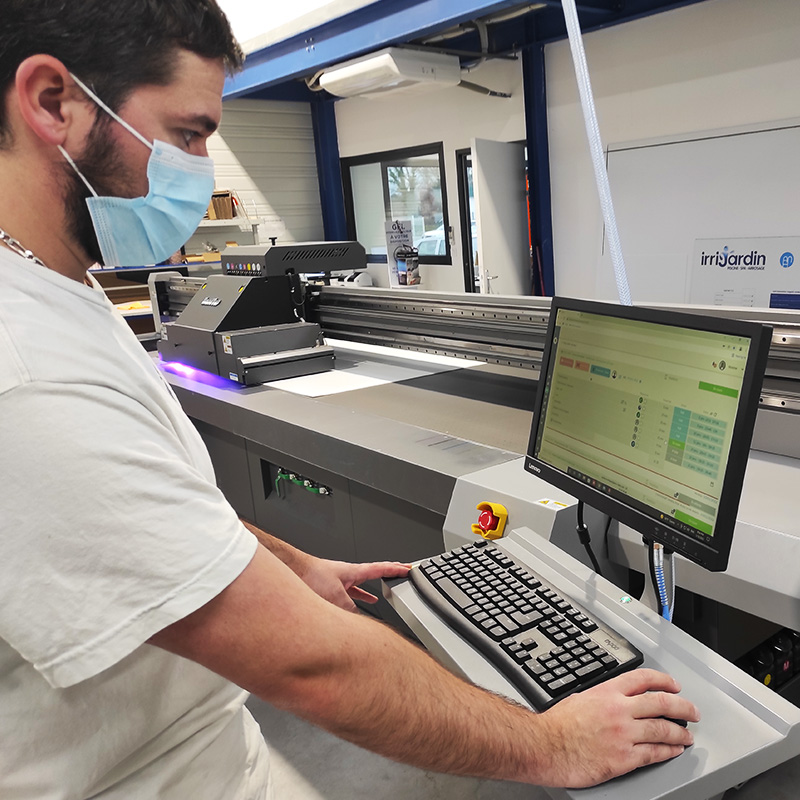 Quickly access files and production instructions.
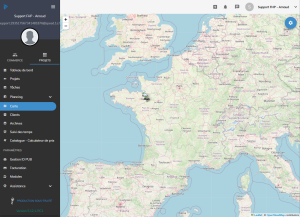 Find construction sites, plans and assignments instantly.
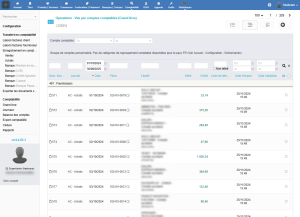 Automate your quotes and invoices without errors.

To avoid duplicate accounting entries during a transition, start by identifying where each supplier invoice is already entered and through which process it enters the accounting system. An invoice received in Freshprocess does not necessarily need to be exported if its entry remains secure in the old software.
There's no need to wait until the end of the accounting period to organize this transition. Freshprocess has a well-defined method to allow a switchover, even mid-month, while ensuring the continuity of existing business document numbers and accounting codes.
The challenge is to define a clear boundary between the two circuits: what remains processed in the old software and what now feeds into the accounting system from Freshprocess.
Two software programs can coexist without creating two separate entries.
In a printing or visual communication company, administrative processes can evolve gradually. Supplier invoices begin to be received in Freshprocess, while the team temporarily retains its old software for accounting purposes.
This coexistence alone is not the cause of the duplicates. The risk arises when the same invoice is entered into the old software and then fed back into the accounting system via an export from Freshprocess.
The question to ask is therefore not only: "Where did we receive this invoice?" It is also: "Has this invoice already been entered, and in which tool?"
A shared rule makes it possible to distinguish the presence of a document in the two software programs from its actual entry in accounting.
A transition is possible even in the middle of the month
Waiting until the end of the fiscal year is not a necessary condition for switching processes. The transition method defined by Freshprocess allows this change to be implemented even mid-month.
This method is fundamental: it ensures continuity in both the numbers of commercial documents and existing accounting codes. The transition, therefore, is not simply about adopting a new tool. It must also preserve the established frameworks upon which the company's administrative and accounting processes are based.
Three topics should therefore be considered together:
- The invoice process : determine which documents remain entered in the old software and which ones feed into the accounting system from Freshprocess.
- The numbering of commercial parts : to ensure its continuity during the transition.
- Existing accounting codes : to maintain their continuity in the new organization.
The option to switch mid-month does not eliminate the need to prepare this allocation. It simply allows you to choose the timing of the transition without having to wait until the end of the fiscal year.
Distinguishing between reception, approval, and export
During this period, three stages must remain distinct within the organization:
- The reception The invoice arrives in Freshprocess.
- Approval : its treatment is the subject of a separate decision.
- Accounting export : the data is intended to feed into the accounting system.
Receiving an invoice does not mean it must be immediately included in an export. Similarly, approving it does not answer the question: "Has this invoice already been entered elsewhere?"
This distinction is particularly important when the two software programs are used in parallel. The team needs to be able to process incoming invoices without assuming that each one necessarily has to be entered into the accounting system via Freshprocess.
The key point of vigilance remains the same: an invoice already entered must not be entered into the accounting system a second time.
Define the scope before any export
In the case presented here, the instruction is explicit: invoices whose entry is still carried out in the old software should not be exported in FEC format, in order to avoid duplicates.
Before any export, clarify the following points with the people involved in the invoicing:
- Which invoices are still being entered in the old software?
- Which invoices are intended to be used to populate the accounting system from Freshprocess?
- How does the team distinguish between these two sets?
- Are the procedures for ensuring the continuity of commercial document numbers and accounting codes clearly defined for the transition?
The goal is to make this boundary understandable to everyone, rather than leaving each person to deduce it at the time of processing.
Good to know: the instruction concerning the FEC (French Accounting File) corresponds to this transitional arrangement. It does not constitute a general rule prohibiting the export of supplier invoices.
How Freshprocess works during the transition
In this configuration, Freshprocess serves as the point of entry for supplier invoices, while their accounting entry remains temporarily handled in the old software. Therefore, receiving and processing an invoice in Freshprocess does not automatically authorize its export.
The transition method governs the shift from one organization to another, maintaining the continuity of existing business document numbers and accounting codes. For supplier invoices, duplicate prevention relies on defining the documents to be exported, rather than on an automatic detection or blocking mechanism as described in this case.
Are you preparing for a transition, including mid-month? Take stock with Freshprocess of your supplier invoice process and the continuity of your commercial and accounting benchmarks.
To remember
- The accounting transition can be organized even in the middle of the month, without waiting for the end of the financial year.
- Freshprocess has a defined method to ensure the continuity of existing business document numbers and accounting codes.
- Two software programs can coexist, provided that reception, approval and export are distinguished.
- An invoice already entered in the old software should not be entered into the accounting system a second time.
- The scope of invoices to be exported must be clearly defined and shared with the team.