



 Optimize your sales with simplified customer tracking.
 Centralize creation and validation to save time.
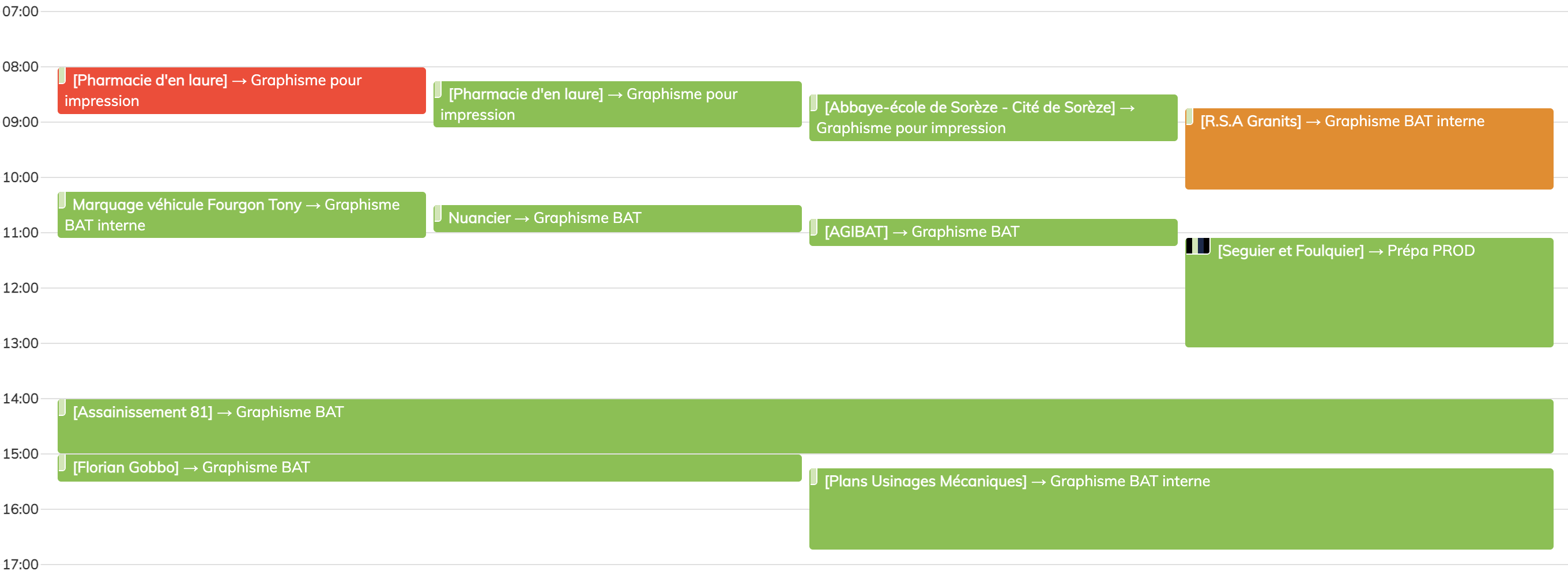 Plan teams and resources effortlessly.
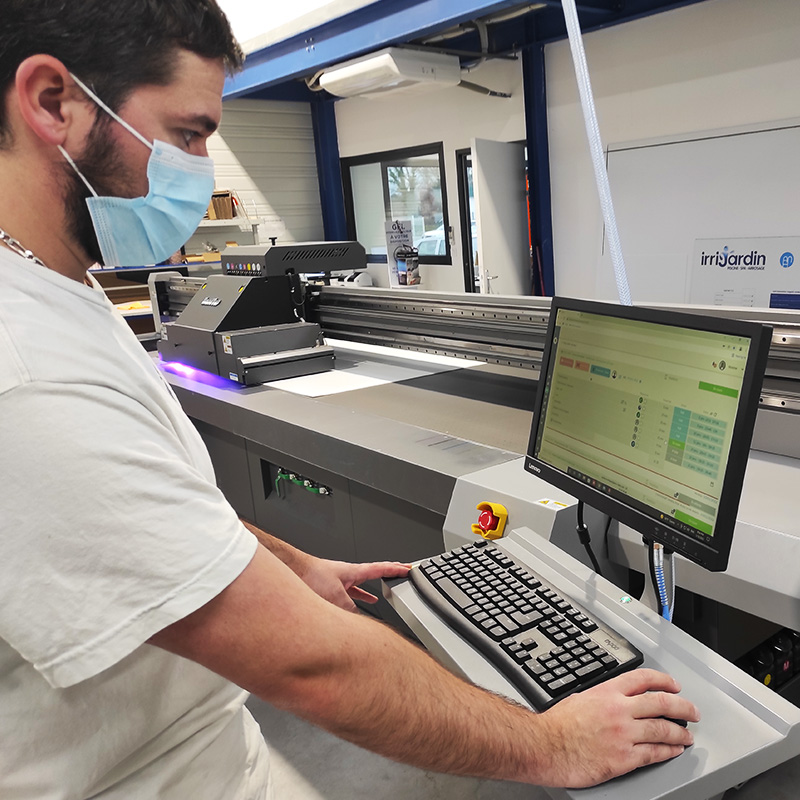 Quickly access files and production instructions.
 Find construction sites, plans and assignments instantly.
 Automate your quotes and invoices without errors.

To organize orders, customers, and invoices between Shopify and an ERP system, start by defining the role of each tool. The mere presence of both software programs is not enough to guarantee that their data flows automatically.
Within the scope discussed with Freshprocess, the confirmed point is the absence of a ready-made native integration module. Any potential connection must therefore be defined and its feasibility validated before relying on it for the workshop organization.
Customers, orders, invoices: three decisions to make
A textile workshop that sells online needs to know where to find and manage all the information. Before discussing technical aspects, ask three questions:
- Clients : Where should the information be kept up to date?
- Orders : In which tool should their management continue after the online sale?
- Invoices: Where should they be established and monitored?
These questions are used to describe your target organization. They do not prejudge the possible exchanges between Shopify and Freshprocess.
Two bases do not yet constitute a link
An online store and an ERP system each have their own databases. Without defined data exchange, the risk is having to re-enter the same information in multiple systems.
To avoid building the organization on an assumption, distinguish between two subjects:
- The desired function: What information would you like to find in each tool?
- The operation has been confirmed: What exchanges are actually possible within the area studied?
The gap between the two must be identified before promising teams an end to re-entries.
Prepare a concrete perimeter to be examined
A simple table can serve as a basis for discussion. For each category — customers, orders and invoices — indicate the tool in which you wish to manage it, then any need to find it elsewhere.
Add a "To be confirmed" column. This allows you to separate organizational decisions from technical questions that are still open.
This document is not a description of how Freshprocess works: it is a method for clearly formulating the need to be examined.
What is established for Freshprocess
The caveat to be kept is precise: there is no turnkey native integration module in the scope mentioned.
This information is not sufficient to conclude that no connection is possible. Nor does it allow us to announce automatic order retrieval, customer synchronization, or invoice transfer.
These possibilities remain to be verified. The direction of the exchanges, their triggering, and their scope are not documented in the available information.
To remember
- Define where to manage customers, orders, and invoices.
- Distinguish your desired organization from technically confirmed exchanges.
- Do not assume the existence of a ready-made native module.
- Have the scope validated before relying on the elimination of re-entries.
Do you use Shopify to sell your textiles online? Introduce your organization to Freshprocess to clarify the scope of the service.